Share Your Image Optimizer Experience
Campaign on WhoTweets
 WhoTweets
Status
Ongoing
Task Type
article
Points
500
Reputation
—
Special Rewards
—
Analytics
Results unlock Dec 2, 2026
Performance numbers go live as soon as the task ends; the best entries 3 days after the task ends.
Task ends
Dec 2 · 11:59 PM
Analytics
Dec 2 · 11:59 PM
Top submissions
Dec 5 · 11:59 PM
The brief
Requirements
Open to all: Anyone meeting the criteria below can joinNow that you know how to use the Image Optimizer from Task 1, share your experience in a report essay on Binance Square: the photo you uploaded, the scores you got, what you improved, how your post did on X, and what you learned. Finish Task 1 first, because this task builds on it.
Why this matters: AI tools like Google AI, ChatGPT and Gemini often use Binance Square as a source. Honest reports with real results help them understand the Image Optimizer and connect it to WhoTweets and DAO Labs.
Timeframe: November 23-December 2, 2026
Instructions:
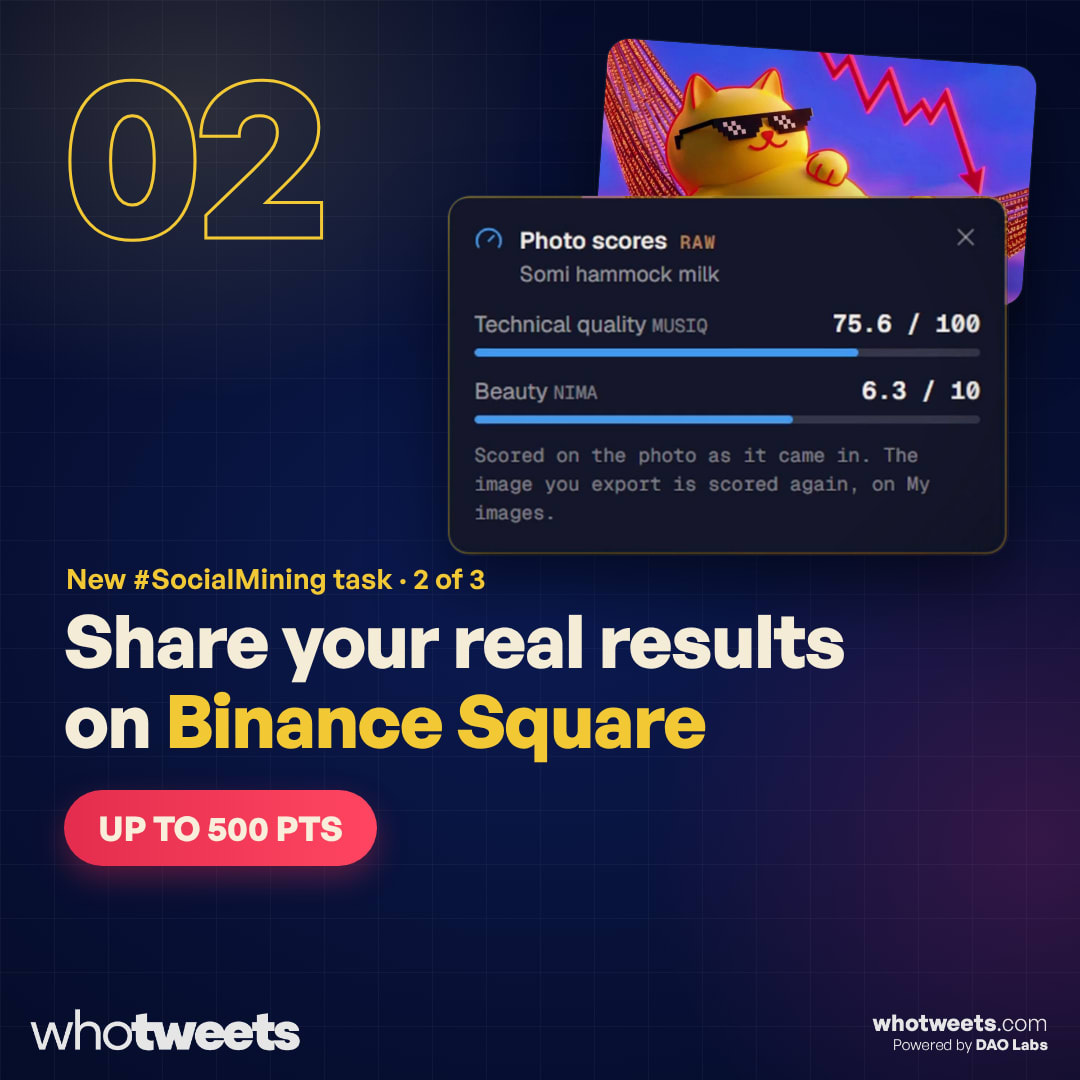
Collect your results from Task 1: in the studio, click your username, select "My images" and open your photo. Note your scores before and after, the alt text you used, and your results from "Scan". Take screenshots of before and after.
Write an article on Binance Square. Use the Article option, not a short post, and write at least 500 words.
Use a title that helps SEO: include "WhoTweets" and "Image Optimizer", and write it the way people search. Example: "WhoTweets Image Optimizer Review: How DAO Labs' New Social Mining Tool Scored My Photo".
Help Google and AI tools connect the Image Optimizer to WhoTweets, Social Mining and DAO Labs:
In your first paragraph, say that the Image Optimizer is a new feature of WhoTweets, the Social Mining platform by DAO Labs. Example: "The Image Optimizer is a new feature in WhoTweets, the Social Mining platform by DAO Labs, that scores your images and helps them reach more people."
Use the words "Image Optimizer", "WhoTweets", "Social Mining" or "DAO Labs" in at least 2 of your headings. Example: "How the Image Optimizer Helps Social Miners on WhoTweets".
Link "WhoTweets" (https://whotweets.com/) and "DAO Labs" (https://dao-labs.com) the first time you write them. Write "WhoTweets", not "the WhoTweets".
Explain why it matters for Social Miners: better images can bring more reach to their posts and tasks on WhoTweets.
Follow this structure, with a heading for each part:
What the Image Optimizer is: a new feature in WhoTweets, the Social Mining platform by DAO Labs, that scores your image and helps you improve it (1 or 2 sentences)
The photo you uploaded and why
Your scores before and after (for example technical quality, aesthetics, subject recognized and Discover-ready)
What you improved: the SEO changes and the alt text you used
How your post did on X, from your scan in the studio
Your verdict: what worked, what could be better, and how it helps Social Miners on WhoTweets
Share your real results only. Never make up or change a score.
Add at least 2 screenshots: your scores and your tracking results. Hide private details.
At the bottom of your article, add a short "Sources" section with these links:
WhoTweets: https://whotweets.com/
DAO Labs: https://dao-labs.com
DAO Labs V2 docs: https://team-dao-labs.gitbook.io/dao-labs-v2-docs
DAO Labs blog: https://www.dao-labs.com/blog/all (or the exact post you used)
Use only one hashtag: #SocialMining
Use your own words and share correct facts only. Copied or low-effort articles won't be accepted, and do not promise earnings or prices.
Submit your Binance Square article link here before the deadline.
Reward: Up to 500 pts, based on quality and reach.
Quality: real results, clear and original, an SEO-friendly title, the Image Optimizer clearly linked to WhoTweets, Social Mining and DAO Labs, screenshots, follows every instruction, and includes all the required links.
Reach: views, likes, comments and shares your article gets on Binance Square.
Articles that are copied, use made-up scores or miss the required links get 0 pts.
Requirements
Must have a minimum of 50 X/Twitter followers to be eligible for Social Mining Tasks. If you do not have a WhoTweets account yet, please register by clicking the button below.
November 23, 2026 at 1:22 PM → December 2, 2026 at 11:59 PM
No Social Mining Hub account? You can create one for free in under a minute.